ANAKO is a comprehensive financial education platform designed to provide users with tailored subscription plans and product entitlements. This article details the verified access flows for new and returning users, including registration, authentication, dashboard navigation, and customization options such as language and theme preferences.
1. Creating Your ANAKO Account via Email Registration
To begin using ANAKO, you must first register an account using your email address. The public registration route is accessible from the homepage and requires you to provide a valid email and create a secure password. This process ensures that your identity is verified and your account is uniquely linked to your credentials.
During registration, you will encounter form fields labeled for email and password entry. It is important to use an active email address as it will be used for authentication and communication purposes. ANAKO does not expose any account data during this process, maintaining strict privacy and security standards.
2. Authentication: Logging In to ANAKO
Email Login
Once registered, you can access your account by navigating to the login page and entering your registered email and password. Authentication is mandatory before accessing any dashboard features or subscription content.
Google Login Option
Alternatively, ANAKO supports Google login for users who prefer a streamlined authentication process. By selecting the Google login route, you authenticate via your Google account credentials, which ANAKO verifies securely. This method simplifies access while maintaining security protocols.
3. Accessing the Dashboard and Subscription Plans
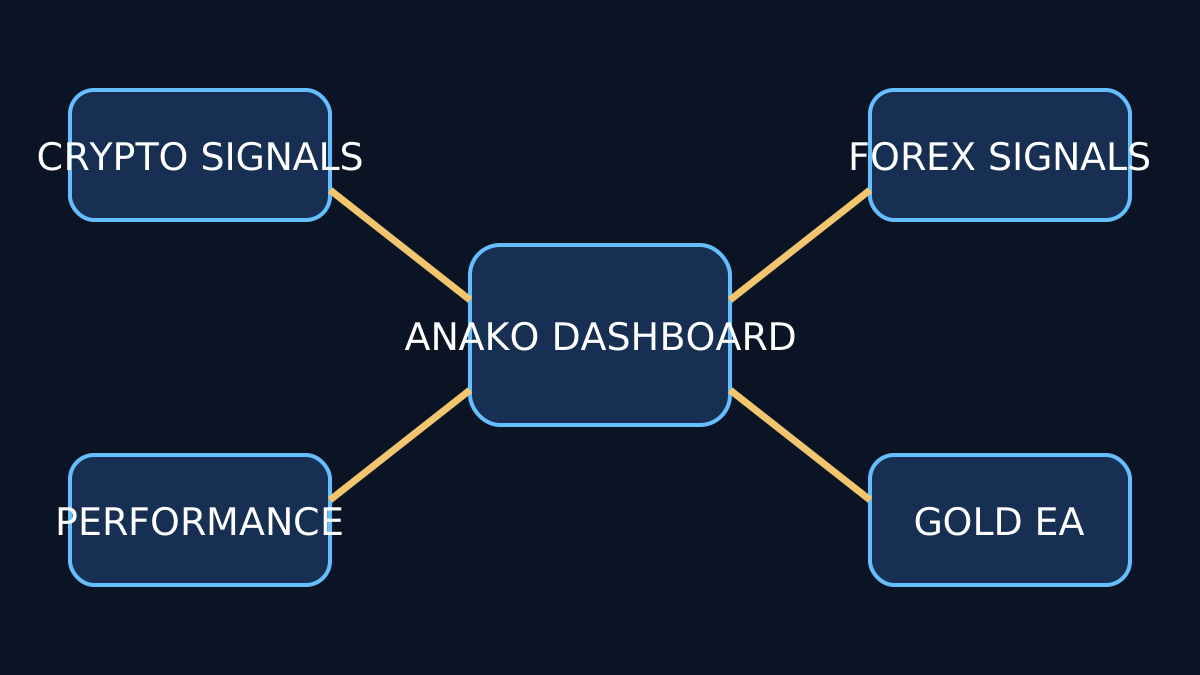
Upon successful authentication, you are redirected to the ANAKO dashboard. This central hub provides an overview of your account status, active subscriptions, and product entitlements.
The Subscription Plans page within the dashboard allows you to review available plans tailored to different financial education needs. Each plan outlines specific features and access rights, enabling you to select the one that best suits your learning objectives.
Plan-Specific Checkout Process
After selecting a subscription plan, you proceed to a plan-specific checkout page. This page facilitates the subscription process without disclosing any sensitive account information. Note that payment approval is subject to external processing and is not instantaneous.
4. Understanding Product Entitlements
ANAKO’s platform architecture supports separate product entitlements, meaning that access to specific educational content or tools depends on your active subscription plan. This modular approach allows users to customize their learning experience according to their preferences and requirements.
For example, a basic plan may grant access to introductory courses, while advanced plans unlock premium content and interactive features. This separation ensures clarity in what each subscription provides and helps users manage their educational investments effectively.
5. Language and Theme Customization
Language Switcher
To accommodate a diverse user base, ANAKO offers a language switcher supporting four languages: English (EN), Persian (FA), Turkish (TR), and Arabic (AR). This feature is accessible from the dashboard and login pages, allowing users to select their preferred language for a localized experience.
Theme Control
In addition to language preferences, ANAKO provides theme control options. Users can toggle between light and dark modes to enhance readability and reduce eye strain during extended learning sessions. This customization is available within the dashboard settings.
6. Common Errors and Limitations
While registering and activating your ANAKO account is straightforward, some common errors may occur:
- Invalid Email Format: Ensure your email address follows standard formatting rules to avoid registration rejection.
- Incorrect Password: During login, entering the wrong password multiple times may temporarily lock your account for security reasons.
- Language or Theme Not Saving: Changes to language or theme settings require confirmation; ensure you save preferences before navigating away.
Additionally, access to certain dashboard features and subscription plans requires successful authentication. Attempting to bypass login will redirect you to the authentication page.
7. Next Steps and Further Learning
After activating your account and selecting a subscription plan, explore the ANAKO Features Overview to maximize your educational journey. Understanding the platform’s capabilities will help you leverage all available resources effectively.
Key Takeaways
- Register your ANAKO account using a valid email address or Google login.
- Authentication is required before accessing the dashboard and subscription plans.
- Subscription plans determine your product entitlements and access scope.
- Language options include English, Persian, Turkish, and Arabic for a localized experience.
- Theme control enhances usability with light and dark modes.
- Follow platform prompts carefully to avoid common registration and login errors.