The ANAKO Gold Robot is a specialized Expert Advisor (EA) designed for the MetaTrader 5 (MT5) platform, focusing exclusively on trading gold (XAU/USD). This guide provides an in-depth overview of the product’s verified features, subscription model, installation process, and essential risk management considerations. It is intended for intermediate users familiar with automated trading but seeking clarity on the ANAKO Gold Robot’s operational framework and secure handling.
Understanding the ANAKO Gold Robot Product Structure
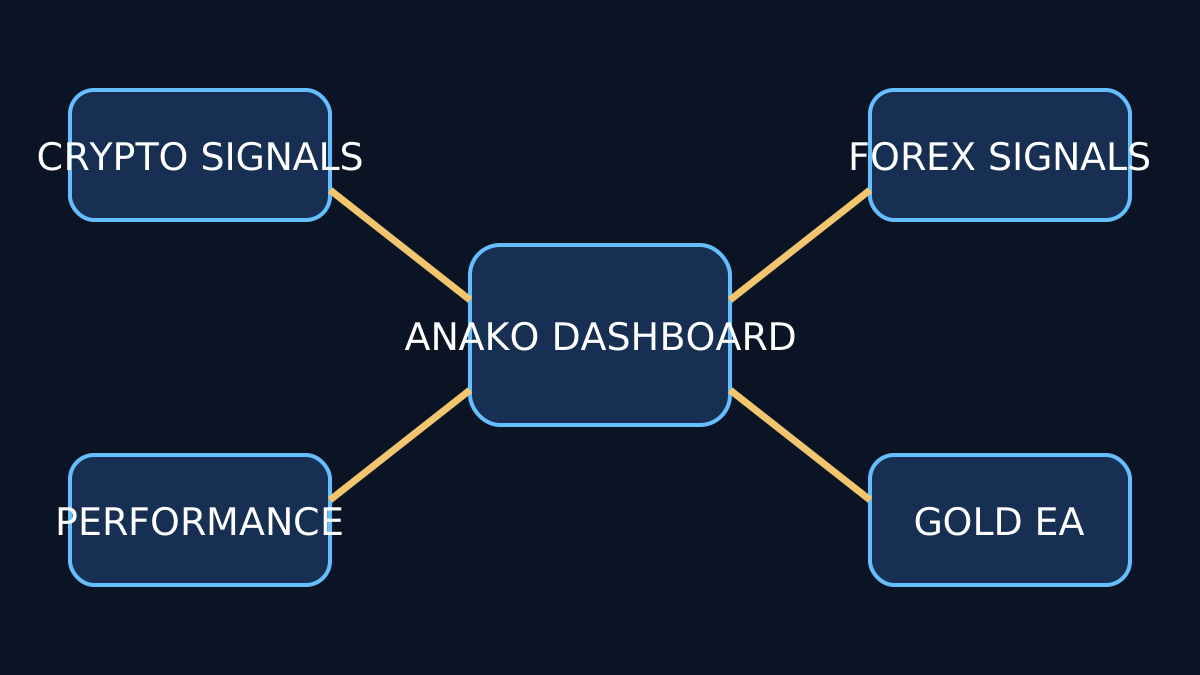
The ANAKO Gold Robot is distinct from other Forex-prefixed products within the ANAKO suite. Its subscription and licensing are managed separately to accommodate the unique market characteristics of gold trading. This separation ensures optimized performance and tailored risk controls specific to XAU/USD.
Subscription and Licensing
Users must subscribe to the Gold Robot independently from other Forex products. The subscription grants access to a licensed package download, which includes the EA file and the entitled panel for MT5 integration. The licensing mechanism is token-based, with each token linked to a specific trading seat (MT5 terminal instance).
Token Regeneration and Seat Release
To maintain license security and flexibility, the ANAKO platform allows token regeneration. This feature is critical when changing devices or reinstalling the EA. Seat release actions enable users to deactivate tokens on one terminal and activate them on another, preventing unauthorized concurrent usage.
Prerequisites for Installation
Before installing the ANAKO Gold Robot, ensure the following prerequisites are met:
- MT5 Platform: The latest stable version of MetaTrader 5 must be installed and fully operational.
- Gold Trading Account: A broker account with access to XAU/USD trading is required. Compatibility with the EA depends on standard MT5 execution and symbol naming conventions.
- Subscription Confirmation: Valid subscription with access to the licensed package download.
- Secure Environment: Installation should be performed on a secure, malware-free system to protect license tokens and sensitive data.
Installation and Verification Process
Installation involves placing the EA and panel files into the appropriate MT5 directories, followed by activation using the provided license token.
Step-by-Step Installation
- Download the licensed package from the official ANAKO portal.
- Extract and copy the Expert Advisor (.ex5) and panel files into the
MQL5/ExpertsandMQL5/Indicatorsfolders respectively. - Restart MT5 to recognize the new components.
- Attach the ANAKO Gold Robot EA to the gold chart (XAU/USD) and open the entitled panel.
- Enter the license token in the panel to activate the EA.
Verification
Upon activation, the panel confirms the token validity and seat registration. Users should verify that the EA is running without errors and that the panel displays the correct subscription status. Any discrepancies require contacting ANAKO support for resolution.
Secure Handling of License Tokens
License tokens are sensitive credentials that control access to the Gold Robot. Best practices include:
- Storing tokens securely offline or in encrypted password managers.
- Avoiding sharing tokens or license files with unauthorized parties.
- Using token regeneration and seat release features promptly when changing devices.
Risk Controls and Operational Limitations
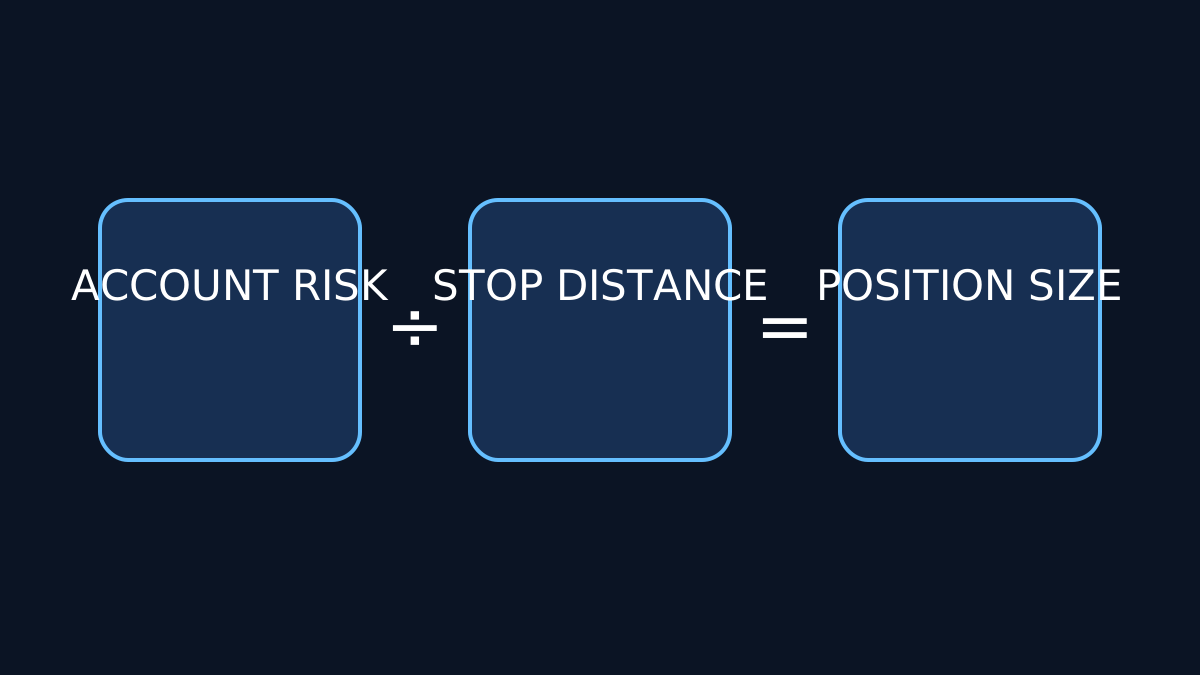
The ANAKO Gold Robot operates within the predefined logic verified by its developers. It does not modify lot sizing dynamically beyond the user’s input, nor does it guarantee profits. Users must implement their own risk management strategies, including:
- Setting appropriate lot sizes aligned with account balance and risk tolerance.
- Monitoring drawdowns and adjusting parameters accordingly.
- Ensuring broker compatibility, particularly regarding execution speed and symbol specifications.
Common Errors and Troubleshooting
Users may encounter issues such as token activation failures, panel display errors, or EA not executing trades. Common causes include:
- Incorrect token entry or expired subscription.
- Installation in wrong MT5 directories.
- Broker symbol naming mismatches (e.g., non-standard XAU/USD symbols).
- MT5 platform version incompatibility.
Resolving these requires careful verification of installation steps, subscription status, and broker specifications. The ANAKO support team provides assistance for persistent issues.
Further Resources and Related Topics
For users interested in expanding their knowledge on automated trading and risk management, the following internal resources are recommended:
- Understanding Expert Advisors: Fundamentals and Best Practices
- MetaTrader 5 Setup Guide for Automated Trading
- Risk Management Techniques in Forex and Commodities Trading
Key Takeaways
- The ANAKO Gold Robot is a dedicated MT5 EA for gold trading with a separate subscription and licensing model.
- Secure token management and seat release are essential for license compliance and flexibility.
- Installation requires correct placement of files and activation through the entitled panel.
- Risk controls depend on user-defined parameters; the EA does not guarantee profits or alter lot sizing logic.
- Common issues often stem from token errors, installation mistakes, or broker incompatibilities.